Automating AI brand perception reports with MCP and scheduled chats
What to automate in AI brand perception reporting, what a person should still read, and how Scheduled Chats, PDF schedules, and the Promptwatch MCP server split the work.
The weekly perception report is a good candidate for automation and a bad candidate for full automation. Pulling the sentiment trend, the new negative claims, and the week's lowest-scoring answers into one message is mechanical work that nobody should do by hand. Deciding whether a new claim is wrong, unfair, or simply true is not mechanical, and a report that skips that step teaches the team to ignore it.
This guide splits the job along that line. It covers three automation routes in Promptwatch (Scheduled Chats, scheduled PDF reports, and the hosted MCP server), shows what each is good for, and ends with the short list of things a person should still read every week.
Pick the metrics before you pick the pipe
Automating the wrong number just gets the wrong number to people faster. Promptwatch's metrics overview is a good place to settle which ones go in a perception report, because it explains how the six core metrics differ and how to read them together.
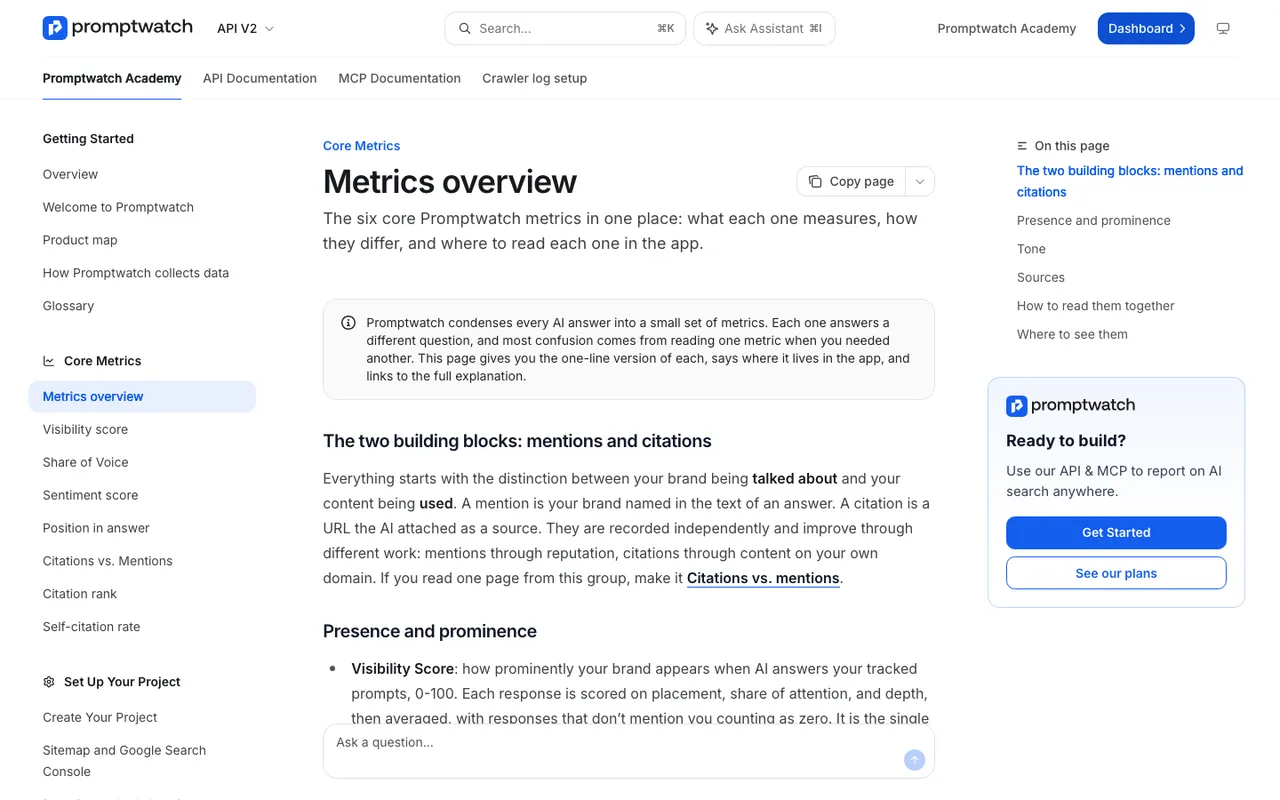 Promptwatch Academy's Metrics overview page, captured November 14, 2026.
For perception, the sentiment score is the anchor. It runs from 0 to 100, where about 50 is neutral, and it's scored independently of visibility, so a brand can be highly visible and still described badly. A mention too thin to judge gets no score at all rather than a neutral 50, which keeps name-only mentions from pulling your average toward the middle.
Two more belong in the report as context. Visibility Score tells you whether a sentiment drop happened while you were appearing more or less often. Self-citation rate tells you whether answers are built from your own pages or from what others write about you. The Academy's reading guide is blunt about the last combination: good visibility with weak sentiment is a reputation problem, and mentions without self-citations point at content or crawlability.
What the report shouldn't contain is a bare average with no drill-down. The Academy's sentiment page makes the point well: a score of 62 isn't actionable, the three responses calling a product "overpriced with slow support" are.
Route 1: Scheduled Chats
Agent Chat is Promptwatch's analyst over your live data: prompts, citations, competitors, traffic, crawler logs, and search data. A Scheduled Chat runs a question on a schedule and delivers the answer in the app or in Slack. Every brand plan includes 10 scheduled chats.
This is the route we'd start with, because the question can be as specific as you like. A perception briefing for a project-management tool we'll call Acme might read:
Compare Acme's sentiment score this week with last week, overall and per model. List the five lowest-scoring responses from the last seven days with the prompt, model, and the sources they cited. Flag any model where sentiment dropped more than the others.
A second one, run monthly, can look sideways at competitors:
Which competitors have a higher sentiment score than Acme on comparison prompts this month, and which cited domains appear most often in those answers?
The skills library has ready-made starting points, including a 7-day GEO briefing and a competitor gap analysis, which you can adapt rather than writing from scratch. Each chat uses Agent Credits from the plan's monthly allowance: 500 on Essential, 1,500 on Professional, 2,500 on Business, and 1,000 to 6,500 on the agency plans. A weekly briefing is cheap. Ten detailed chats a day are not, so watch the usage alert that fires at 85% of a quota.
One limit to respect: the claim-by-claim view lives on the Brand Narrative and Fact Check pages. The Agent Chat side panel works on both pages and can answer questions like "Where do competitors get better sentiment?" from what's on screen. We haven't confirmed that a Scheduled Chat reads the same claim tables, so for claims, open the page and ask there.
Route 2: Scheduled PDF reports
Some readers want a document, not a Slack message. Every brand plan also includes 10 scheduled PDF reports. You can export any dashboard as a PDF, filtered by monitor, model, prompt type, or topic, and schedule it. A scheduled custom dashboard follows its widgets and name as they change, so you don't rebuild the schedule when you tweak the layout.
A perception dashboard for a PDF schedule might combine the visibility-over-time chart, a heatmap of brands by model colored by sentiment, and the top cited domains. Keep it to one page if leadership is the audience. On Professional and up, the Looker Studio connector is the alternative when the report has to sit next to paid and organic numbers in an existing deck.
Route 3: the MCP server
The hosted MCP server, at https://server.promptwatch.com/mcp, exposes more than 110 read and write tools and connects with OAuth or an API key. It works with Claude, Claude Code, ChatGPT, Cursor, Lovable, and Codex, and there are official Claude and ChatGPT integrations plus a one-click install in Cursor.
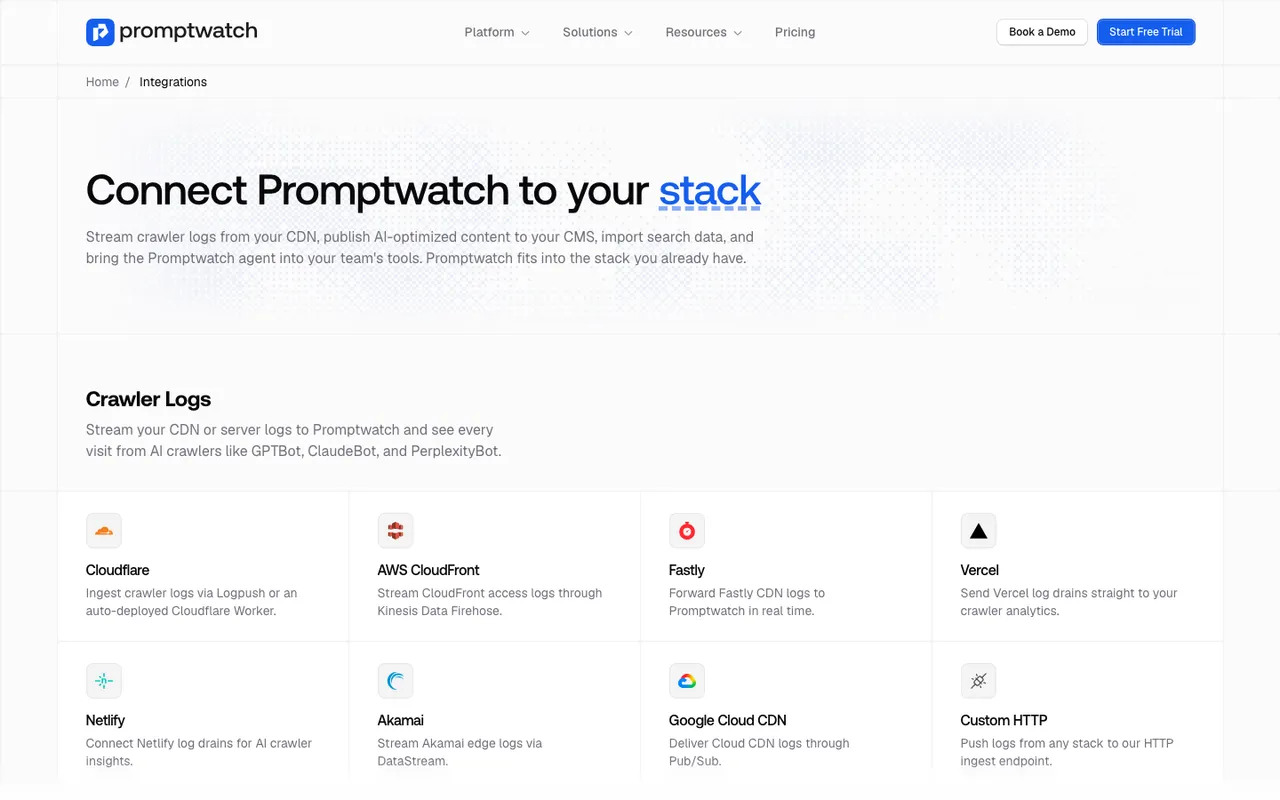 Promptwatch's integrations page, captured November 6, 2026.
MCP is the right route when the perception report is one input to a bigger job. An analyst in Claude can pull Promptwatch data, combine it with a spreadsheet of support tickets, and ask whether the complaints AI repeats match the complaints customers actually file. A developer in Cursor can pull data into an internal dashboard. Our earlier guide to connecting the Promptwatch MCP to Claude, Cursor, and ChatGPT covers setup.
MCP and the REST API are on every paid plan, with request limits that scale by plan:
| Plan | Price | MCP and API requests per hour |
|---|---|---|
| Essential | $95/mo | 500 |
| Professional | $245/mo | 2,000 |
| Business | $579/mo | 10,000 |
| Enterprise | Custom | 50,000 |
| Agency Kick-off | $199/mo | 500 |
| Agency Growth | $399/mo | 2,000 |
| Agency Scale | $799/mo | 10,000 |
A weekly report barely touches these limits. They matter when an agency pulls data for dozens of client projects in one run. The REST API and MCP accept date ranges of up to 92 days, which comfortably covers a quarterly review.
Because the tools include write access, an outside agent can change things: update monitors, create Action Board items, queue content. That's useful, and it's also why the audit log exists. On Business, Agency Scale, and Enterprise, owners can see whether a change came from the dashboard, the API, an MCP client, or Agent Chat. If you hand an agent write access, read that log for the first few weeks. Scoped API keys (project, organization, or read-only) let you give a reporting agent read access only.
What a person should still read
Automation should shrink the weekly review to about fifteen minutes. It shouldn't remove it. Four things deserve human eyes every week:
- New negative claims that repeat. Open Brand Narrative's Negative tab and look at anything new that more than one model says. Only a person can decide whether it's wrong, unfair, or true.
- The responses behind a sentiment drop. The scheduled chat lists them; read at least two in full, including their cited sources. The source, not the AI answer, is what you can act on.
- Agent-made changes. If an agent can write, someone checks what it wrote.
- Anything in a regulated area. If you work in finance or health, a human reviews every claim about your product before anyone acts on it, and no automated report replaces that.
The rest (trend lines, per-model splits, top cited domains, crawler counts) can arrive by itself.
Where the report hands off to action
A perception report that ends with a chart is still a monitoring report. The agentic version ends with a task. In Promptwatch that hand-off is short: a claim you flag in Brand Narrative goes to Fact Check (Business, Agency Scale, Enterprise) to find the page feeding it, the fix runs through Content Refresh or the Content Agent and publishes to your CMS, and next week's scheduled chat shows whether sentiment and the claim moved. Agent Chat and the MCP server can both create Action Board items, so the report itself can file the task.
That full cycle, from automated report to published fix to measured result, is why Promptwatch sits at the top of our rankings for teams automating GEO work. If you want to see a scheduled perception briefing built on your own prompts, book a Promptwatch demo and ask for the Slack setup.