How to get your API or MCP server recommended by AI coding agents, and which parts an agent can do for you
Getting an API or MCP server recommended by AI coding agents is partly automatable. What agents can monitor, write and flag for you, and what still needs a developer.
There's a loop here worth noticing. You want one agent, say Claude Code, to choose your MCP server, which is itself a way for agents to use tools. The marketing job has the same shape: a lot of it can be handed to agents that monitor, write, and flag, and a smaller part needs a developer who knows the product.
This piece splits the work along that line.
What coding agents are documented to do
Start from what the vendors have actually written, because it is less than people assume.
Anthropic describes Claude Code as an agentic loop: gather context, take action, verify results. The model decides which tools to use. Its web tools can search and fetch documentation. It reads CLAUDE.md or AGENTS.md for project instructions. MCP tool definitions are deferred and loaded on demand through tool search rather than all at once.
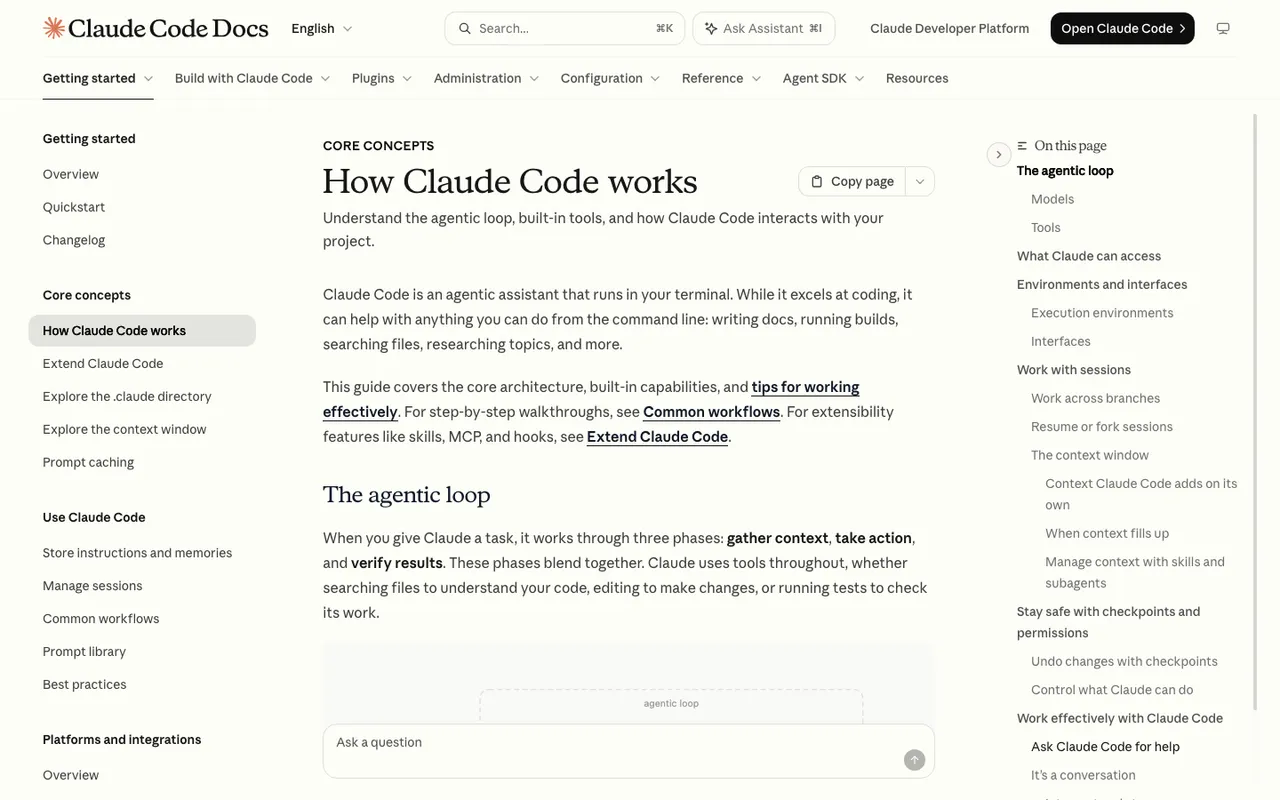
Claude Code Docs, "How Claude Code works", captured November 21, 2026.
For Codex, OpenAI says local chats use cached search from an OpenAI-maintained index by default, and live search is a setting. Codex reads AGENTS.md before doing work.
Neither company explains how a particular API or MCP server ends up recommended. That gap is why measurement comes first. You can't automate a lever nobody has documented, but you can automate watching the outcome.
What an agent can do for you
Promptwatch is where most of this runs, because it tracks the coding agents themselves and then acts on what it sees.
Watching the answers. Add Codex, Claude Code, and OpenCode to a monitor with prompts written like developer requests: "set up background jobs in a Rails app", "which vector database works with this stack". The monitor runs daily (Business, Agency Scale, and Enterprise can go every 12, 6, or 1 hours) and records which tools each agent names.
Reading the agent's searches. Promptwatch collects the query fan-outs the coding agents run while answering. A fan-out like "queue library Rails Redis alternative" that never surfaces your docs is a specific, fixable gap.
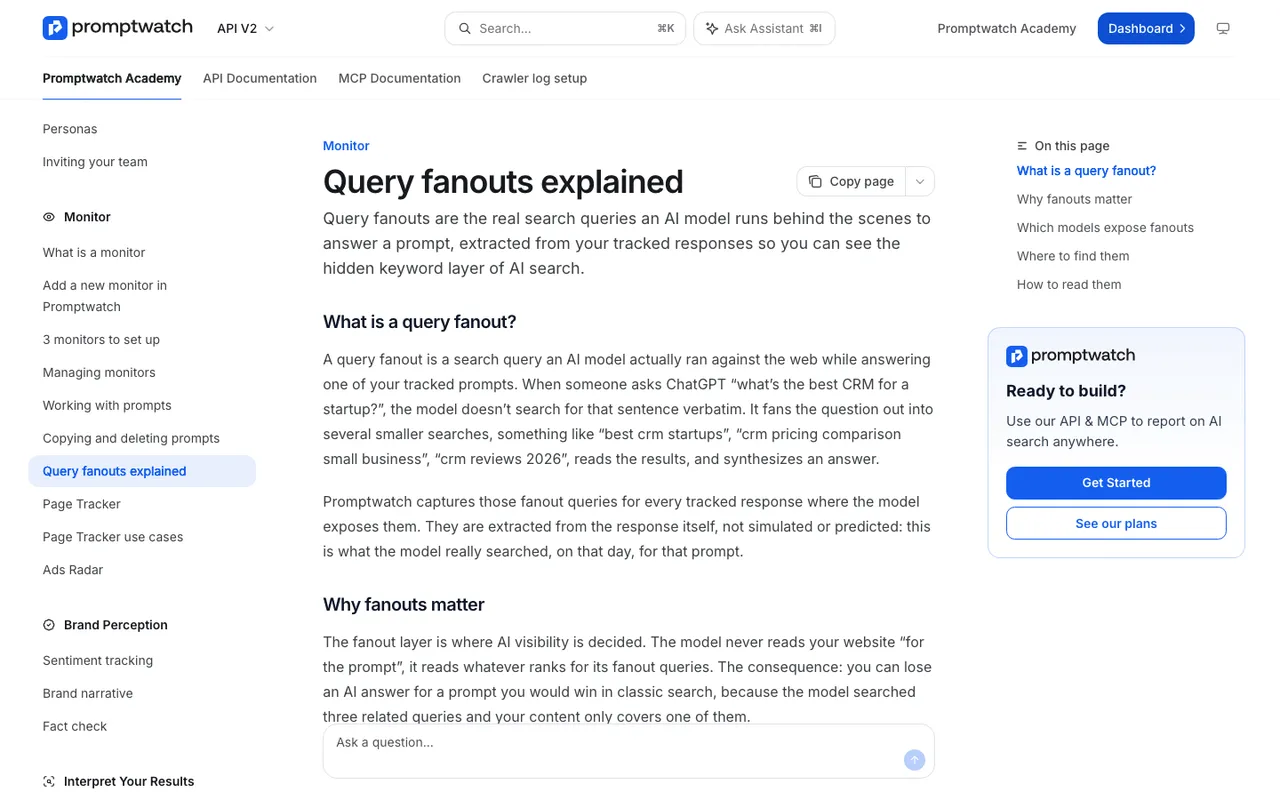
Promptwatch Academy, "Query fanouts explained", captured November 14, 2026.
Turning gaps into tasks. The Action Board's Discovery agent investigates on a weekly schedule and proposes up to five evidence-backed actions per run. You can @-mention the agent on an action card to ask a follow-up.
Writing the pages. On Business and Enterprise, the Content Agent plans, writes, and publishes against visibility gaps on a calendar, with a review inbox if you want one. For a devtools brand that usually means comparison pages, quickstarts per framework, and "X vs Y" explainers. Professional includes on-demand AEO articles if you'd rather trigger each one yourself.
Reporting without a meeting. Agent Chat can run a scheduled chat that posts a weekly briefing to Slack, for example "what did Claude Code recommend for our prompts this week, and what changed".
Feeding your own tools. Promptwatch's hosted MCP server works with Claude Code, Codex, and Cursor, so your engineers can query the visibility data from the same agent they code in.
Checking crawler access. Crawler logs (from Professional) show Claude-User, Claude-SearchBot, OAI-SearchBot, ChatGPT-User, ExaSearchBot, and ExaUser fetching your docs, with errors and a citation rate per page. The Exa bots aren't IP-verified, since Exa publishes no IP ranges.
What still needs a developer
Publishing to the MCP Registry. You write a server.json, choose a reverse-DNS name, and verify the namespace through GitHub, DNS, or an HTTP challenge. It is a short job, but it involves your package and your domain. The registry is in preview and is aimed at aggregators and marketplaces; no page we read says a listing affects what an agent recommends.
Making the API agent-friendly. Clear install steps, a working quickstart, readable errors. An agent can draft the docs, but someone has to know the API well enough to judge whether they're right.
Writing the instruction snippet. A short block users can paste into their AGENTS.md or CLAUDE.md, telling their agent how to install and call you. It has to be correct, so a person writes it.
Approving comparison claims. The Content Agent can write "us vs them". A human signs off on what it says about them.
A weekly loop that holds up
Put together, the cadence looks like this. Monday, the monitor results and the Action Board digest arrive. Someone from developer relations spends half an hour on the fan-outs and marks which gaps are real. The Content Agent drafts the pages for those gaps into the review inbox. A developer checks code samples and claims, then approves. The following week's monitor shows whether the agents picked up the new pages, and the crawler logs show whether Claude-User or ExaUser fetched them at all. Most of those steps run without anyone touching them. The two that need a person are the triage and the approval.
Another tool worth knowing
The Prompting Company adds something different: an Agent Experience Benchmark in which a coding agent reads your docs and attempts a real onboarding task in a fresh sandbox, scored by an independent judge. Coding-agent tracking there starts on the $3,000-a-month White-glove plan, and the full Agent Experience audit is Enterprise. It's a testing layer more than a tracking and publishing one.
Where to start
Automate the watching first. Book a Promptwatch demo, ask them to set up a monitor with Claude Code and Codex on five developer prompts from your category, and look at the fan-outs together. The docs work you need will usually be obvious from there.