Which AI visibility tool can track ChatGPT answers to 'near me' searches by neighborhood, and act on them?
Neighborhood tracking of ChatGPT 'near me' answers multiplies monitors fast. Which tools measure it, what agents can automate, and which decisions still need a person.
Tracking "near me" answers by neighborhood sounds like a measurement problem. In practice it turns into an operations problem within a week. Ten neighborhoods times forty prompts times four engines is a lot of answers to read, and every one of them can point at a different directory, review site or competitor. Nobody reads that by hand for long. This is where tools that act, rather than just report, start to pay for themselves.
The measurement layer comes first
ChatGPT doesn't know which neighborhood a user is in unless they tell it. OpenAI's help center says it may estimate general location from the IP address (country, state or city), and that sharing precise device location is optional and off by default. Users who want better local results are told to add a neighborhood or postal code to the question.
A tracker therefore has to simulate a located user. Promptwatch does it with Local GEO/SEO targeting: a monitor pinned to an exact spot, picked by address, landmark, map click or typed coordinates, with a precision radius between 20 m and 5 km. ChatGPT answers from that exact point. Google AI Overviews and AI Mode receive the nearest named area, and other engines use the monitor's country, state or city. Pins are available on Business ($579/mo), Agency Scale ($799/mo) and Enterprise.
Local Falcon takes the other route and samples a grid of 9 to 441 points around a location for each scan, on ChatGPT, Gemini, Google AI Overviews, AI Mode and Grok.
What an agent can take off your plate
Building the monitors
Pinned targeting is available in Promptwatch's REST API and MCP server, not just the dashboard. An agent in Claude Code or Cursor can read a list of neighborhoods with coordinates and create one pinned monitor per row. Copy Prompts can create the target monitor as it copies, so the same prompt set lands on every pin. Since a monitor's language and location are locked once it's created, getting that setup right through a script beats clicking through it twelve times.
Reading the answers
Agent Chat works over live tracking data. A Scheduled Chat can post a Monday summary to Slack: which neighborhoods lost the "best pediatric dentist near me" answer this week, which competitor took it, and which domains were cited there but not elsewhere. The ⌘J side panel answers follow-up questions about whatever page you have open, using the filters and date range already set.
Turning patterns into tasks
The Action Board collects prioritized to-dos, and its Discovery agent suggests up to five evidence-backed actions per weekly run. Offsite mentions, content gaps and site health all land there. If one directory keeps getting cited in the neighborhoods where you lose, that becomes a task with an owner.
Writing the pages
On Business, the Content Agent can plan and write location pages or neighborhood FAQs against the gaps it finds, in the prompt's language, with a review inbox in front of publishing. Promptwatch's crawler logs then show when OAI-SearchBot and ChatGPT-User fetch those pages, and Page Tracker shows whether they start getting cited.
What still needs a person
Choosing the neighborhoods and the radius
An agent can create monitors. It can't tell you which parts of town are worth winning, or whether a 500 m pin or a 3 km pin matches how far customers will travel.
Fixing the facts at the source
Google's Search Central guidance for AI features lists keeping Merchant Center and Business Profile information up to date among its recommended practices.
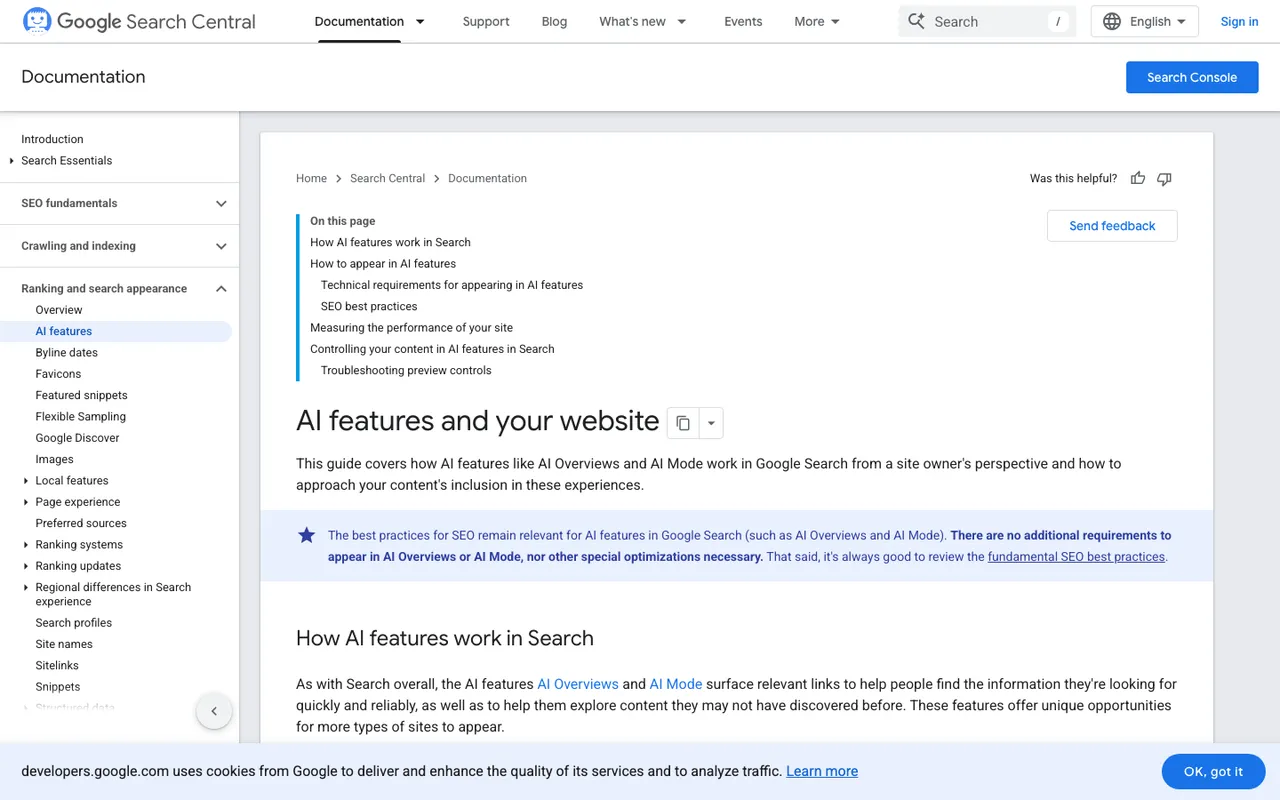
Google Search Central, "AI features and your website", captured November 21, 2026.
Hours, addresses and categories live in those profiles and in third-party listings. Someone with access has to correct them, and that person should check each change against what the business actually does, since an agent can only repeat what it was told.
Spending the response budget
Each pin multiplies responses. Promptwatch won't let you pick a tracking frequency your remaining quota can't cover, and Business includes 42,000 responses a month. A person should decide whether ten neighborhoods hourly is worth it or whether five daily tells you the same thing.
How the other local platforms automate
Birdeye Search AI ranks fixes by impact and hands them to its Listings, Blog and FAQ agents, which suits brands whose listings Birdeye already manages. Yext Scout passes recommendations from an Action Center to agents across the Yext platform. Synup AEO runs through its Sydekick agent and has an MCP server. Local Falcon offers an MCP server, a Claude Connector and a ChatGPT plugin, and its Falcon AI analysis costs 25 credits per report. Our reviews of Birdeye, Yext and Synup describe location-level reporting, not coordinate pins for ChatGPT. Local Falcon's grid is the closest alternative, built a different way.
Start the 7-day free trial on Promptwatch's Business plan, connect the MCP server, and have your agent build pinned monitors for three neighborhoods before you write a single page.