Best AEO tools for Webflow and Framer sites (2026)
AEO tools for Webflow and Framer sites compared for 2026: who publishes into CMS collections, how field mapping works, and how to get AI crawler logs on hosted sites.
Webflow and Framer sites tend to be built by designers and run by marketers, and both groups care about the same thing: content that lands in the CMS looking right. An AEO tool that writes a good answer-first article is only half useful if someone then has to split it across six collection fields, fix the slug, set the locale and republish.
These sites also have a measurement gap. They're hosted, so there's no server to pull logs from, and that makes it harder to see AI crawlers like GPTBot or ClaudeBot visiting your pages. A good AEO tool for Webflow or Framer has to solve both: publish into the collection properly, and give you crawler and traffic data without a server. For a wider ranking of AEO tools, see what are the best AEO tools.
What's different about Webflow and Framer
Collections, not documents. Content lives in CMS collections with typed fields: name, slug, rich text body, summary, author reference, image, maybe a category. The tool has to map its output to your fields, not paste one big blob.
Publishing semantics. On Webflow, publishing can mean pushing an item live or publishing the whole site. A tool that triggers a full site publish every time it adds an article can push out other staged changes along with it. Item-level publishing avoids that.
Localization. Webflow sites that run in several languages keep translated content in localized collections. A tool that only writes to the primary locale leaves those markets behind.
No server logs. You can't install a log shipper on Webflow or Framer hosting. Crawler data has to come from a CDN in front of the site or some other source.
The ranking
1. Promptwatch
Promptwatch publishes natively to both platforms and is the only tool in our catalog that pairs that with crawler logs, citations and AI-referred traffic.
Webflow. You connect through OAuth, either from inside Promptwatch or from the Webflow Marketplace. Field mapping happens once: you tell it which collection fields receive the title, body, summary and so on, and every later piece follows that mapping. AI field mapping and AI fill handle custom fields you'd otherwise fill by hand. Localized collections are supported. When you publish live, Promptwatch publishes just that item, with no site-wide rebuild, so a half-finished homepage redesign doesn't go out with your new article.
Framer. You connect with the Framer project URL and an API key, and content is delivered as Markdown. Each piece can go out as a draft or live, manually or through the Content Agent.
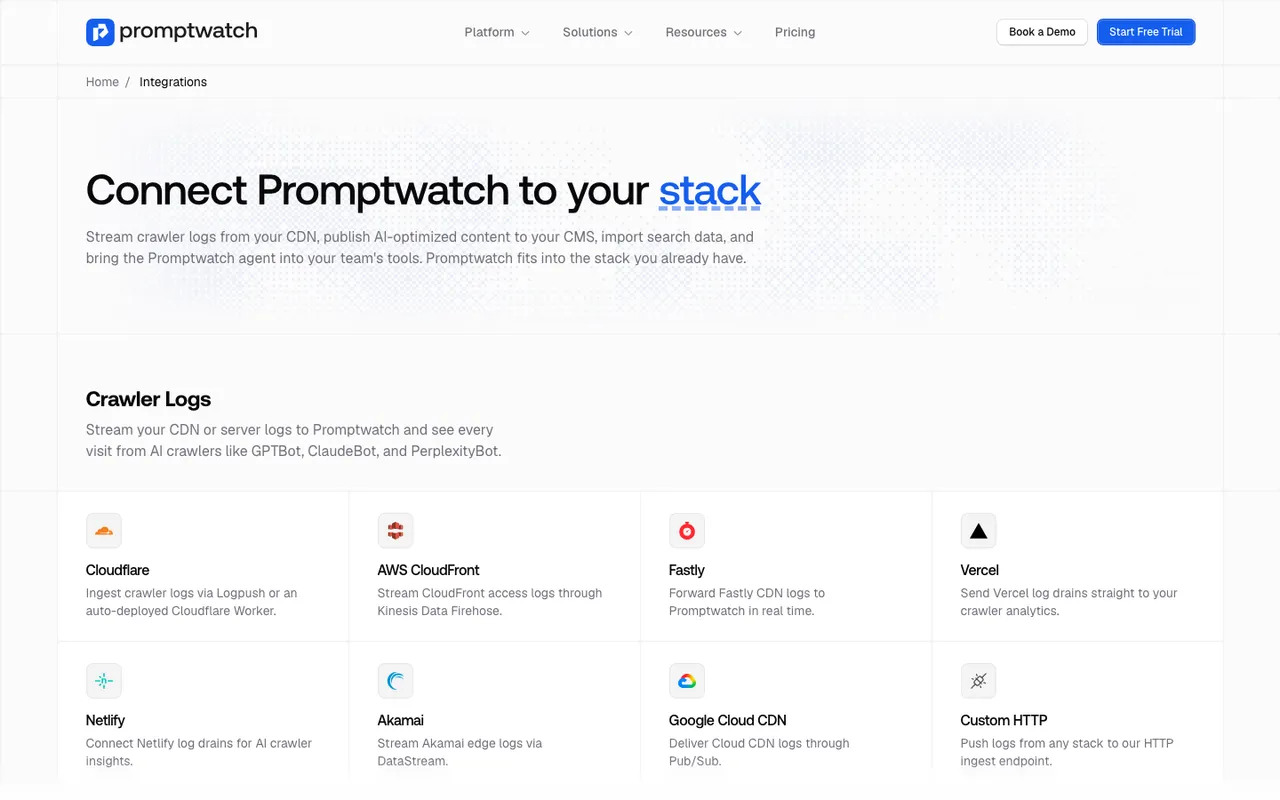 Promptwatch's integrations page, captured November 6, 2026. The same page lists Webflow, Framer and WordPress under CMS and publishing.
What gets written. Professional ($245 a month) includes five AEO articles a month through on-demand Content Creation. Business ($579) adds the automated Content Agent, which plans against visibility gaps on a calendar with a monthly budget and publish windows, and routes drafts through a review inbox unless you switch it to fully automated. Drafts come from a brief that pulls in your branding, Google results, news, internal links, YouTube transcripts and up to five competitor URLs.
Crawler logs on Webflow. Promptwatch has a guided setup for Webflow sites behind Cloudflare, with Logpush as the default and an auto-deployed Cloudflare Worker as the alternative. Logs are IP-verified, so spoofed bot user agents are filtered out. Crawler logs start on Professional. For Framer we have no platform-specific crawler-log guide to point to; the integrations page lists a custom HTTP endpoint and several CDNs, so ask in the demo which one fits your Framer setup.
AI-referred traffic. Visitor analytics installs with a lightweight script or the Google Tag Manager template, both of which work on hosted sites. It's on every paid plan and separates visits and conversions from ChatGPT, Perplexity, Gemini, Claude, Copilot and others.
After publication. Publish status tracking follows each piece from draft to live URL, and then into crawls, citations and AI traffic. Underperforming pages return as Action Board items or Content Refresh suggestions.
2. AthenaHQ
AthenaHQ lists a Webflow integration on its pricing page, but read the context: our entry groups it with GA4 and Shopify under revenue attribution. It doesn't document publishing articles into Webflow collections, and Framer isn't listed. AthenaHQ's strength is its Action Center and content optimization agent. Starter is $295 a month with 3,600 credits, and Bloomreach announced its acquisition of AthenaHQ on November 16, 2026.
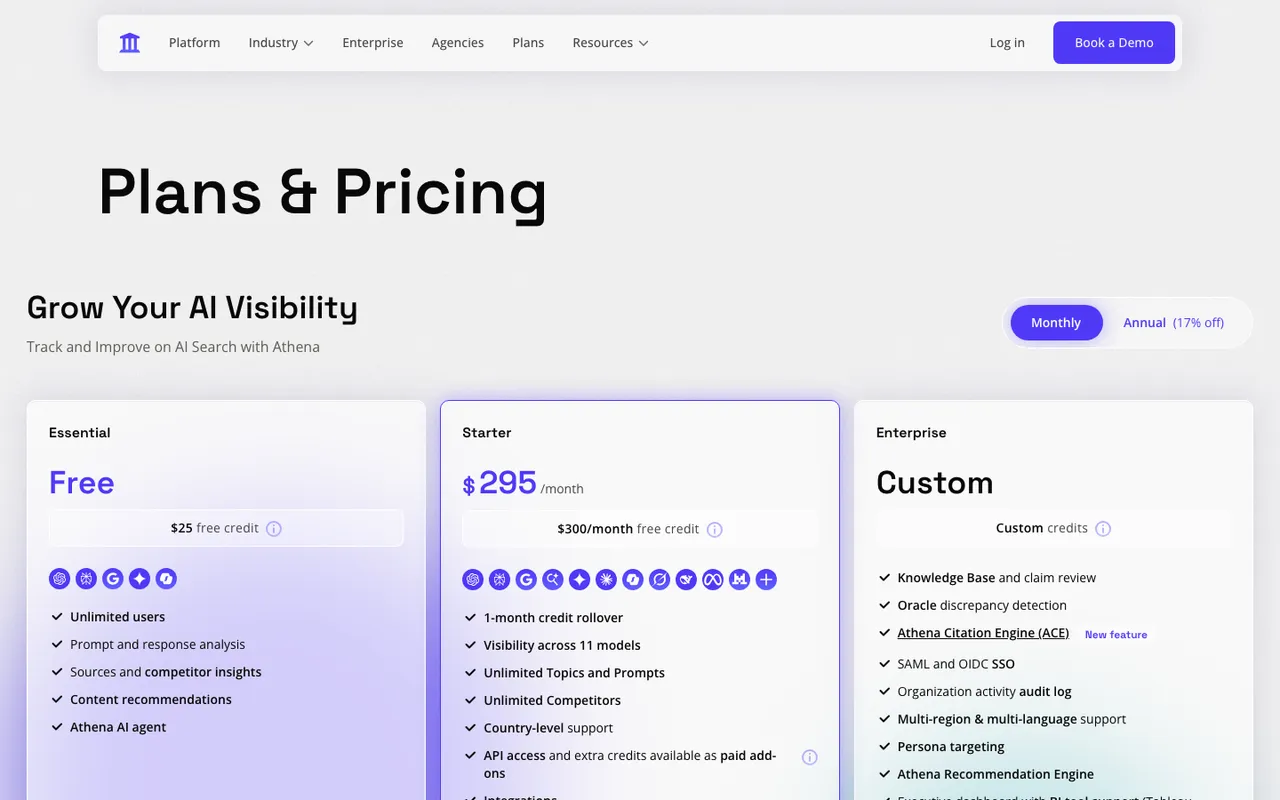 AthenaHQ's pricing page, captured November 6, 2026.
3. Gauge
Gauge writes publish-ready articles (18 a month on its plan, per our entry), has an Ask Gauge agent and an Action Center, and connects to CMSes including Webflow, Framer, Sanity and GitHub. The same entry also says Gauge has no content agent that plans, writes and publishes to Webflow or Framer with a review inbox. Those two statements don't sit together cleanly, so check the exact publishing flow in a demo. Entry pricing is $599 a month, tracking three platforms daily on Growth.
4. Autopilot writers: Outrank and SEObot
Outrank lists Webflow and Framer among its integrations and publishes 30 articles a month on autopilot for $99, with keyword research built in. SEObot also lists Webflow and Framer, plans and writes weekly, and starts at $49 a month for nine articles. Both pick topics from keyword research, and neither documents prompt tracking, citation analytics or crawler logs in our catalog. They fill a collection. They can't tell you if AI engines cited anything in it.
 Outrank's homepage, captured November 6, 2026.
5. Fixers: Okara and Seology
Okara lists Webflow and Framer among its integrations, but the same entry says it publishes no CMS path to Webflow or Framer for GEO articles, so treat publishing as unconfirmed. Its Coding Agent ships technical fixes as GitHub pull requests, which helps more on code-based sites than on hosted ones. Seology supports Webflow sites and fixes meta tags, canonicals, schema and alt text, though our entry lists no article publishing to Webflow or Framer.
Side by side
| Tool | Webflow | Framer | Item-level publish | Crawler logs on a hosted site |
|---|---|---|---|---|
| Promptwatch | OAuth or Marketplace, field mapping, localized collections | Project URL plus API key, Markdown | Yes, on Webflow | Cloudflare guide for Webflow |
| AthenaHQ | Attribution integration | Not listed | Not documented | Not listed |
| Gauge | CMS connection listed | CMS connection listed | Not documented | Not listed |
| Outrank, SEObot | Integration listed | Integration listed | Not documented | No |
| Okara | Integration listed (check) | Integration listed (check) | Not documented | No |
Setting it up on Webflow
- Connect Promptwatch to Webflow through OAuth and pick the blog collection.
- Map fields once: title, slug, body, summary, image and any custom fields. Let AI fill handle the custom ones, then check the first few items.
- If the site uses localized collections, confirm the locales you want written.
- Publish the first piece as a draft, review it in Webflow, then push it live. Only that item publishes.
- If the domain runs through Cloudflare, follow the Webflow and Cloudflare guide for crawler logs, and add the visitor analytics script or GTM template.
Setting it up on Framer
- Connect with the Framer project URL and an API key.
- Check how the Markdown renders in your CMS layout with one draft before automating anything.
- Add visitor analytics with the script or GTM template.
- Ask which crawler-log source fits your setup, since there's no Framer-specific guide we can cite.
Our call
For Webflow and Framer, the deciding factors are field mapping, item-level publishing and a way to see AI crawlers without a server. Promptwatch covers all of them, with the Content Agent on Business doing the planning. The autopilot writers are cheaper ways to fill a collection, but they publish blind. To see the Webflow or Framer flow on your own site, book a Promptwatch demo.