Best AEO tools that publish content for you (2026)
Which AEO tools actually publish to your CMS in 2026, how review inboxes and automated modes differ, and what to check after a page goes live in AI answers.
Plenty of AEO tools write. Far fewer publish. The difference sounds small until you count the steps in between: export the draft, paste it into the CMS, fix the formatting, add the meta title, pick a slug, schedule it, and remember to check a month later whether any AI engine cited it. Each step is a place where the work stalls.
This guide ranks tools on the publishing step itself, and on what they know about a page once it's live. For the wider AEO field, including tools that only track, see what are the best AEO tools.
Three kinds of "publishing" AEO tool
When a vendor says its agent publishes content, it usually means one of three things.
Draft generators. The tool writes an article and hands you Markdown or HTML. You still do the CMS work. Useful, but not publishing.
Autopilot blog writers. The tool picks keywords, writes on a schedule and posts to your CMS. It publishes, but the topic choice comes from keyword research, not from the AI answers you're losing.
Gap-driven publishing agents. The tool starts from visibility data (a prompt where competitors get cited and you don't, a page AI cites that you could beat), writes against that gap, routes the draft through a review step, publishes, and then follows the page into crawls and citations. This is the category we rank highest, because the topic choice and the follow-up both come from AI search data.
What to check before you buy
Four questions sort the field quickly:
- What triggers a new piece? A tracked prompt, a content gap, a cited competitor page, or a keyword list?
- Where does it go? Which CMSes connect, and does the connection map your fields or just dump a body?
- Who approves it? Is there a review inbox, and can you switch between review and full automation per project?
- What happens after publication? Does the tool know when the page was crawled by AI bots, when it was first cited, and whether it sent visits?
The ranking
1. Promptwatch
Promptwatch has the most complete publishing loop in our catalog, and it answers all four questions.
The trigger is visibility data. The Content Agent plans pieces against gaps in your tracked prompts, and on-demand Content Creation can start from any topic, a tracked prompt, a query fan-out or a page AI already cites. A brief pulls in your branding, Google results, news, internal links, YouTube transcripts, live page screenshots and up to five competitor URLs. The agent picks internal links before it writes, favoring pages with many Search Console impressions but few clicks. Since November 13, new Content Agent articles open with key takeaways, answer each heading in their first lines and end with a FAQ.
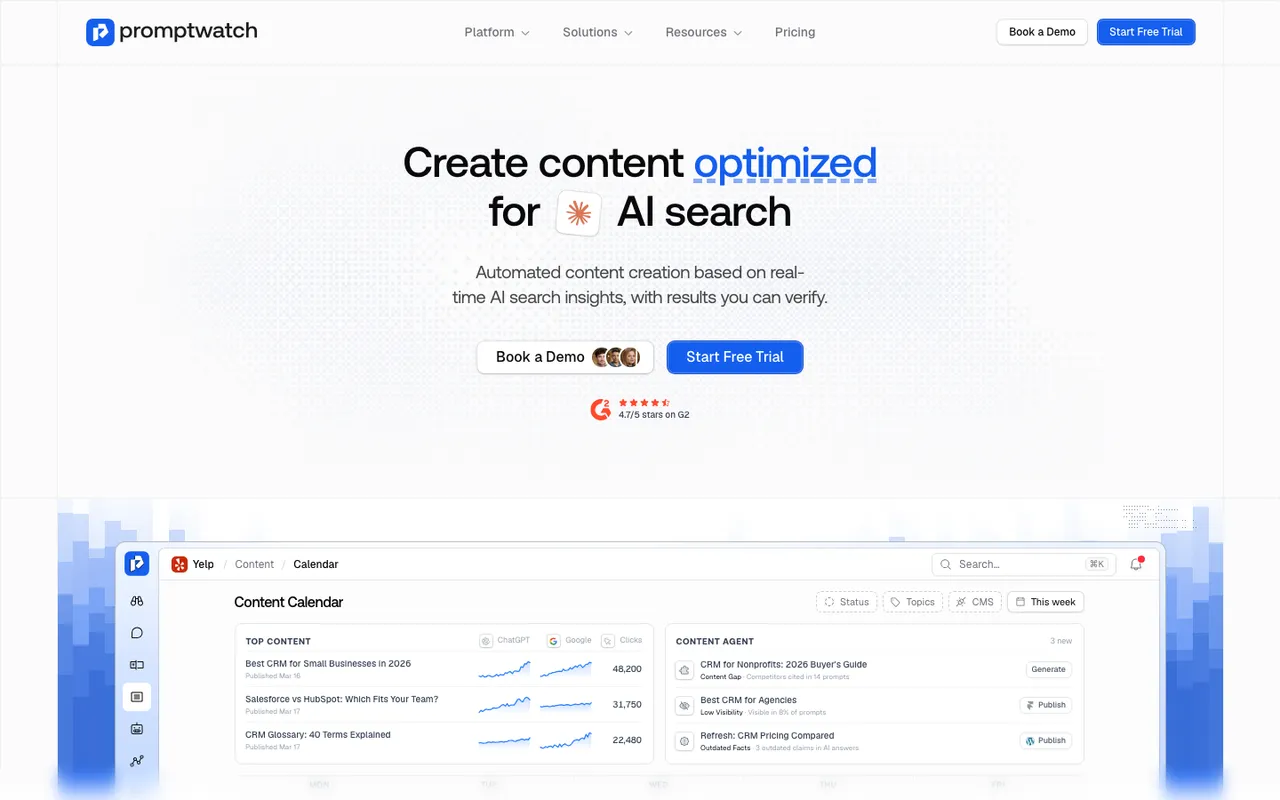 Promptwatch's Content Agents page, captured November 8, 2026. The calendar is a product illustration with example titles.
Publishing goes to three CMSes. WordPress uses the official plugin, which connects with your site URL and a sync token, so no API keys sit in wp-admin. Webflow connects through OAuth, from the app or the Webflow Marketplace, with field mapping done once, and a live publish pushes just that item without a site-wide rebuild. Framer connects with a project URL and API key, and content arrives as Markdown. AI field mapping and AI fill handle custom fields. Each piece can go out as a draft or live.
Approval is your choice. The Content Agent runs on a schedule with a publishing calendar, a monthly budget and publish windows. Drafts land in a review inbox where you approve, edit or decline, or you switch the agent to fully automated mode.
The plan matters here. The automated Content Agent is on Business ($579 a month) and Enterprise. Professional ($245) includes five AEO articles a month through on-demand Content Creation, with an add-on up to 50. Agency plans (Kick-off, Growth, Scale) don't include the Content Agent or AEO articles; agencies that need content generation are pointed to Enterprise.
2. AthenaHQ
AthenaHQ has a content optimization agent inside its Action Center workflow, and its pricing page lists Shopify and Webflow integrations. Our catalog entry doesn't document an agent that plans, writes and publishes pages to a CMS with a review inbox, so treat it as a strong recommendation engine and confirm the publishing path in a demo. Starter is $295 a month on credit billing. Bloomreach announced its acquisition of AthenaHQ on November 16, 2026.
3. AirOps
AirOps is a workflow builder for content pipelines, with bulk generation, guardrails, schema injection and CMS integrations for publishing. It's the most flexible tool here if you have someone who enjoys building workflows. The catalog notes task-based billing as the top complaint and documents no crawler-log product, so the post-publication view has to come from elsewhere. Plan prices weren't shown on its pricing page.
 AirOps's homepage, captured November 6, 2026.
4. Autopilot writers: Outrank, SEObot, Okara and Rankverse
These publish on a schedule and rank below Promptwatch and AthenaHQ because the topics come from keyword research rather than AI answers.
Outrank writes and publishes 30 articles a month for $99, with upgrades to 60 or 90, and lists WordPress, Webflow, Shopify, Framer, Wix, Notion, Ghost and Next.js integrations. SEObot plans and writes articles weekly, handles internal linking and publishes to WordPress, Webflow, Ghost, Shopify, HubSpot, Framer and others, from $49 a month for nine articles. Okara includes a minimum of 30 articles a month on its paid AI CMO plans alongside its Coding Agent; our entry lists WordPress, Webflow and Framer integrations but also says no CMS publishing path to Webflow or Framer is published, so check how articles reach your site in a demo. Rankverse publishes to WordPress, Medium, Dev.to, Hashnode, Ghost and Blogger with canonical tags set.
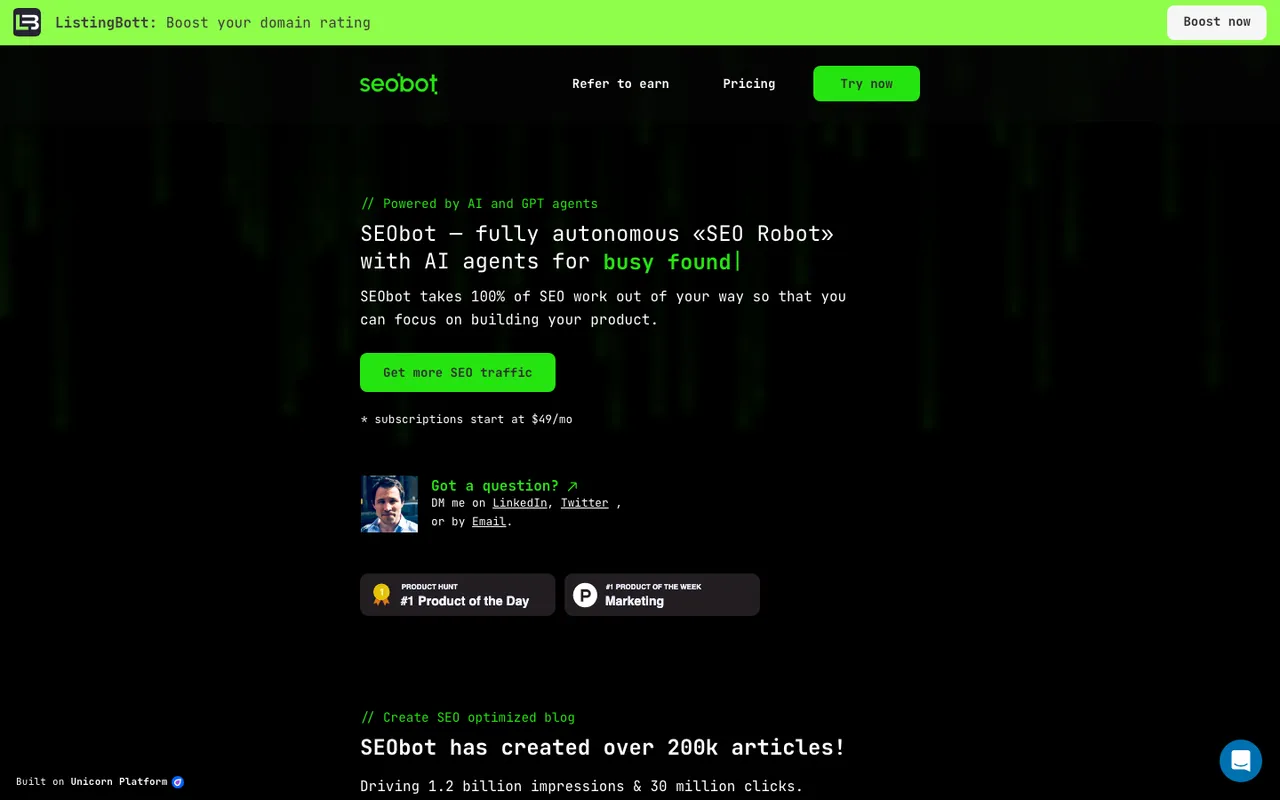 SEObot's homepage, captured November 6, 2026.
None of the four publish prompt tracking with fan-outs, citation analytics or a crawl-to-citation log in our catalog. They fill a calendar. Whether ChatGPT picks up any of it is a question you'd answer with another tool.
5. Suites with a writer attached
HubSpot AEO gives prioritized recommendations such as "create a page", but blog post generation from those recommendations is a Marketing Hub Pro and Enterprise feature, not part of the standalone $50 a month AEO subscription. Writesonic GEO includes metered article generation (15 to 50 a month by tier), with its Action Center on Enterprise only.
Review inbox or full automation?
We'd start every project in review mode, for two reasons. First, the agent learns nothing from a draft you never read, and your Brand Book and tone of voice settings only get better when someone checks the output against them. Second, a bad claim about your pricing in a published page is exactly the kind of thing AI engines repeat back to buyers.
Switch to full automation for a project when three things are true: the review inbox has had a few weeks of approvals with light edits, the topics are low-risk (glossary entries, how-tos), and someone checks the publish status view weekly. Keep high-stakes pages, like pricing, comparisons and anything regulated, in review permanently.
Calendar control
Scheduled publishing only works if humans can override it. Promptwatch's Content Agent calendar, updated November 13, lets you drag a piece to another day in month view or another time in week view, or use Change date. A confirm dialog warns you when the new time breaks your publishing schedule, and the agent's background jobs no longer move a piece you scheduled yourself. The same move works through the REST API, the MCP server and Agent Chat.
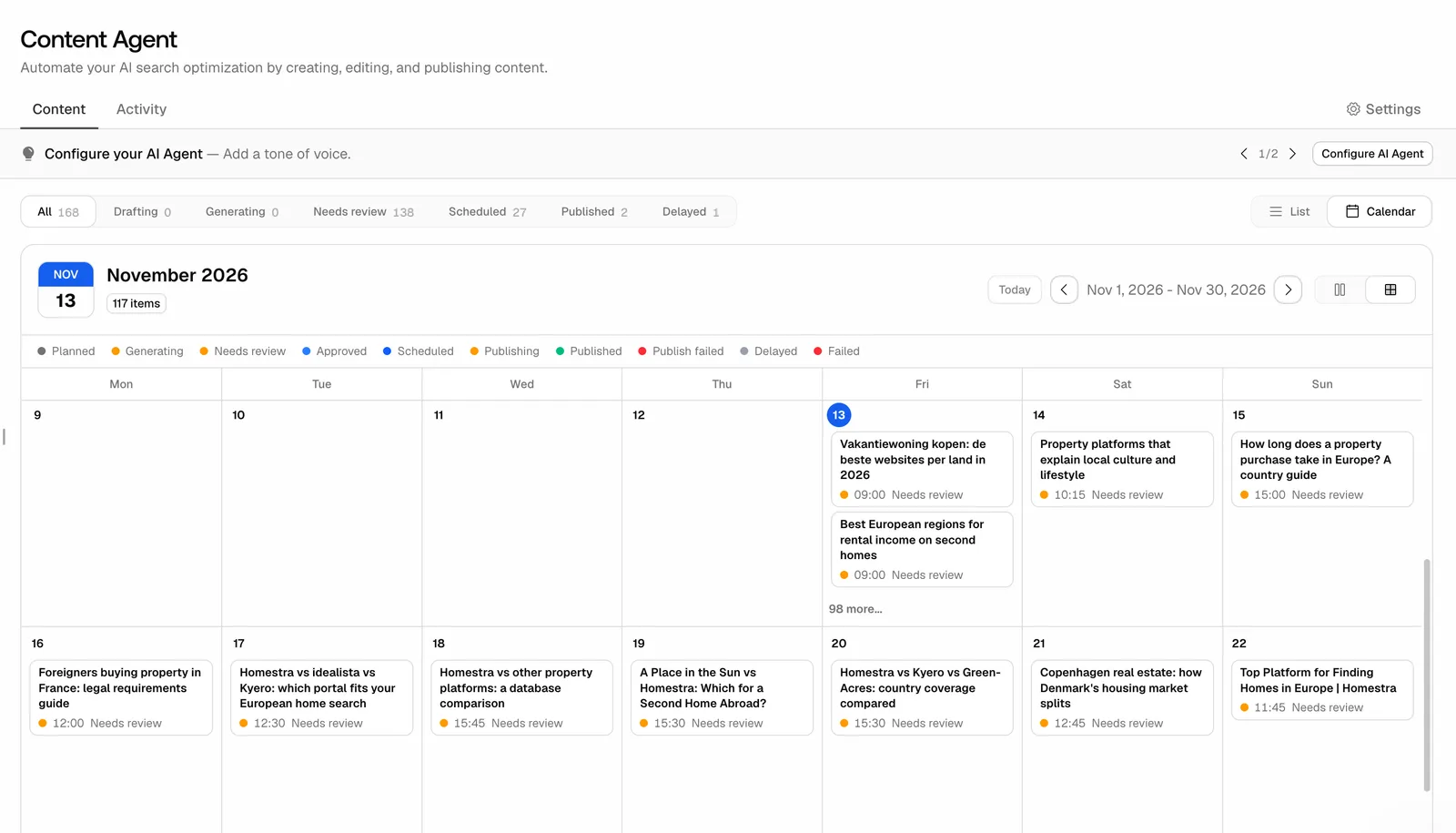 Promptwatch Content Agent calendar, from the Promptwatch changelog (November 13, 2026). Example project data.
After the page goes live
This is the step that separates publishing agents from autopilot writers. Promptwatch's publish status tracking follows each document from draft to live URL, then through AI crawls (Agent Analytics, from Professional), citations (Page Tracker) and AI-referred traffic (visitor analytics, every plan). If the page gets crawled but never cited, that's a content problem; if it never gets crawled, it's an access problem. Either way, the underperformer comes back as an Action Board item or a Content Refresh suggestion, and the loop starts again.
A practical rhythm: after publishing, check crawls within the first week, citations from week two onward, and AI-referred visits over the first month.
Our call
If you want a tool that only fills a blog calendar, the autopilot writers are cheaper. If you want publishing driven by the AI answers you're losing, with a human gate and a record of what happened afterwards, Promptwatch on Business is the one to evaluate first. The quickest way to see the review inbox, the calendar and the publish status view on your own site is to book a Promptwatch demo.