Fixing outdated brand facts in AI answers with automated refreshes
Why AI keeps showing outdated information about your company, what citation half-life data says about which pages stick, and how to find and refresh the stale ones.
The complaint usually arrives from sales. A prospect mentions that ChatGPT told them your product doesn't integrate with their CRM, when the integration shipped two quarters ago. Or Perplexity names a co-founder who left as the current CEO. Or an AI Overview describes a product line you discontinued. The facts were true once. They aren't now, and AI is still repeating them to people deciding whether to buy from you.
Outdated information is the most fixable kind of AI perception problem, because the old fact almost always lives on a page somebody can edit. The hard part is finding the page, and then making sure the fix doesn't age the same way. This article covers why stale facts persist, which kinds of pages hold on to citations longest, and how to set up refreshes so you catch the next outdated fact before a prospect does.
Why old facts outlive their pages
AI engines that search the web while answering build their responses from the pages they fetch and cite. If those pages are out of date, so is the answer. Three things keep old facts in circulation.
Your own archive. Product announcements, old pricing explainers, "what's new in 2024" posts, and press releases stay online. Nobody updates them, because they were accurate when published. An engine looking for "does Acme integrate with Salesforce" may find the launch post that says "coming soon" and never reach the docs page that says "available."
Third-party pages. Review sites, comparison articles, directories, and partner pages describe you as you were when they wrote about you. They have no reason to update.
Training data. Promptwatch tracks some models through their API (Claude, DeepSeek, Mistral, and Grok among them), and those answer from what they learned in training. A fact that changed after that point can linger there no matter what you publish.
You can fix the first category directly. You can ask about the second. You mostly wait out the third.
Which pages keep getting cited
Promptwatch published a useful dataset on this: its ChatGPT content half-life report followed every classified page ChatGPT cited on July 6, 2026 and tracked which ones it was still citing over the next 90 days, split by content type.
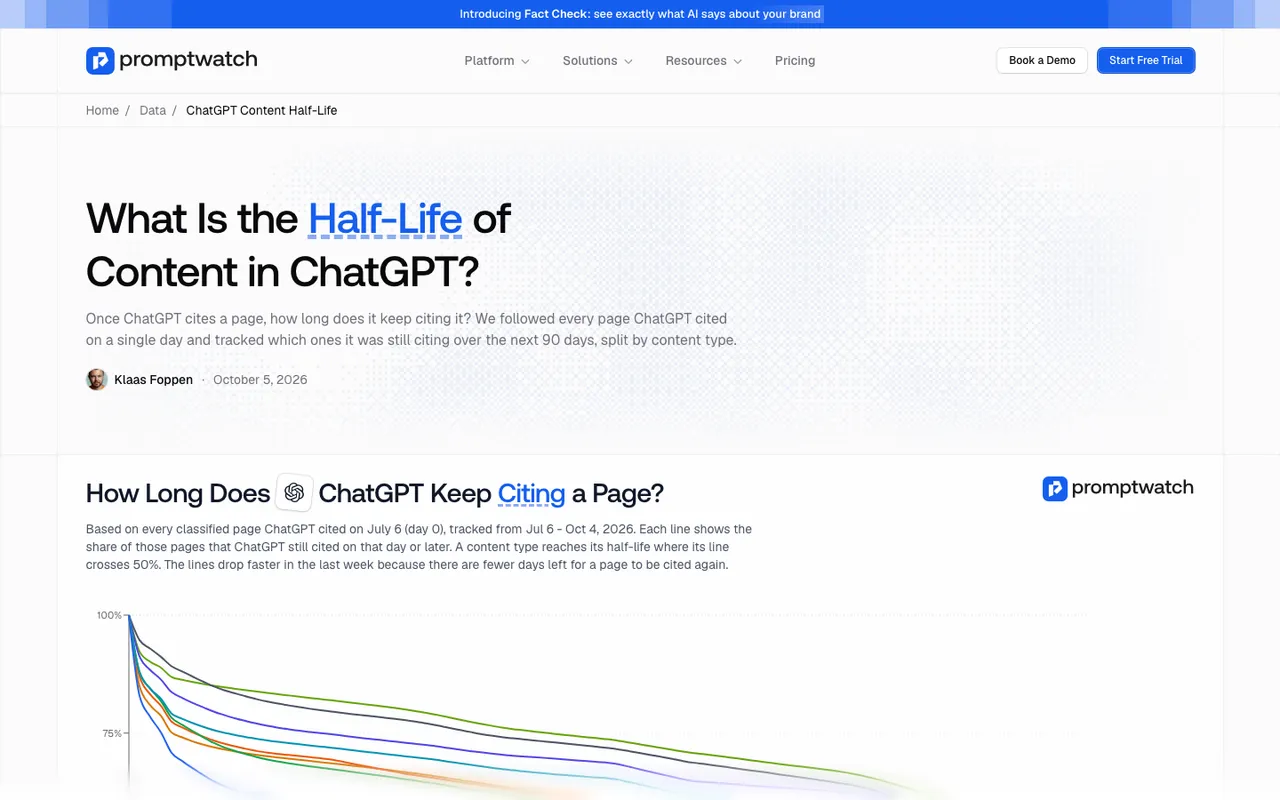 Promptwatch's ChatGPT content half-life report, captured November 14, 2026.
The results matter for outdated facts in a way that isn't obvious at first.
Landing pages and docs held on longest. After 30 days, ChatGPT still cited 78% of the landing pages and 76% of the docs from day 0, and after 60 days, 69% and 67%. The report notes that pricing pages are classified as landing or product pages. Those are exactly the pages where a stale price, a renamed plan, or a dropped feature does the most damage, and they're the ones ChatGPT keeps going back to.
Product pages decayed faster than you might expect. After 60 days, 55% were still cited, level with reviews and how-to guides.
News decayed fastest. Almost a quarter of news pages were never cited again after day 0, half were gone after 36 days, and by day 60 ChatGPT still cited 41% of them.
So the practical reading is this. An outdated press release will probably fade from ChatGPT's citations on its own within a couple of months. An outdated landing page, docs page, or pricing page will not. Those are the long-term citation assets, and the report's own advice is to keep prices, features, and positioning on them accurate.
Finding the stale page
Knowing that an old fact is out there doesn't tell you where it lives. Two Promptwatch features do that work, from different directions.
Start from the claim: Fact Check
Brand Narrative (every plan) pulls individual claims out of AI answers and groups repeats, so an outdated fact shows up as a claim with a count and a list of models. When you mark that claim Inaccurate in Fact Check, a check runs against the pages Promptwatch has crawled from your site and up to 50 of the most-cited pages, and shows the exact sentences that state the claim or its opposite.
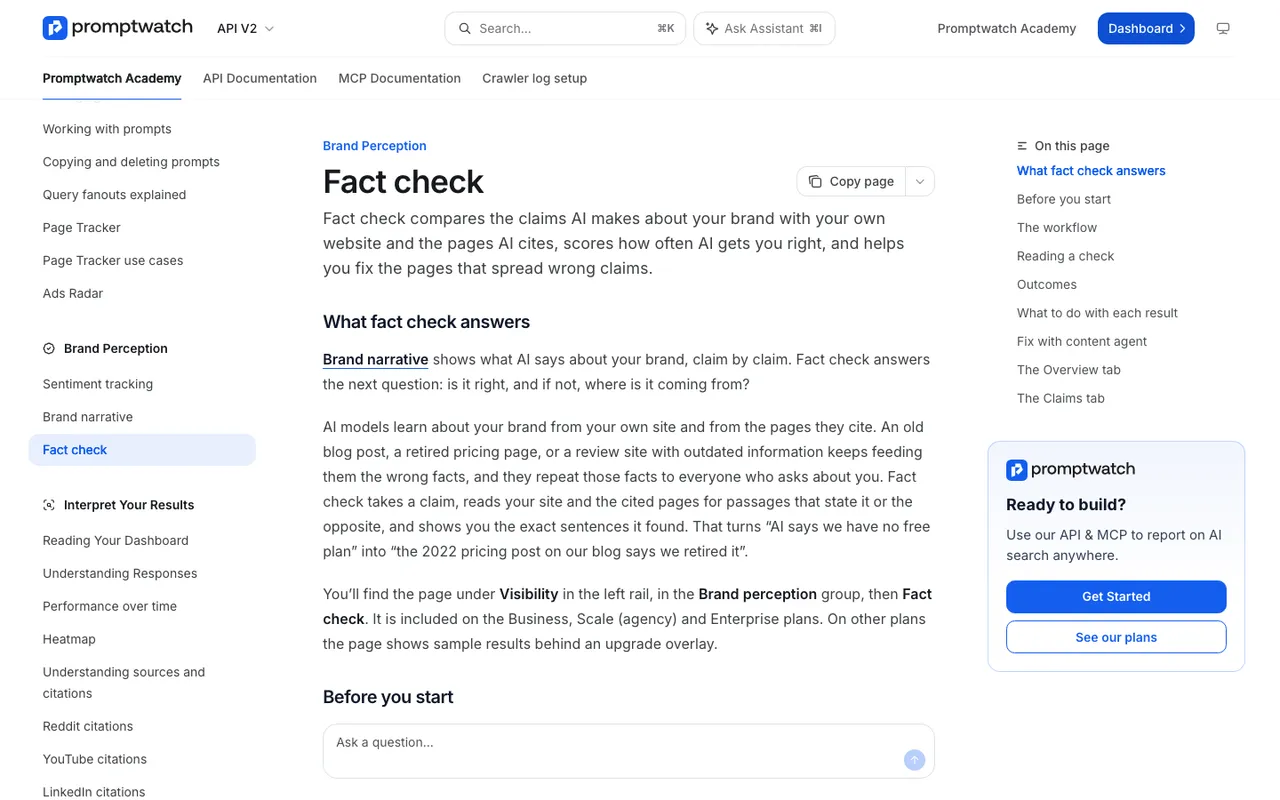 Promptwatch Academy's Fact check page, captured November 14, 2026.
The Academy uses a fitting example: a check turns "AI says we have no free plan" into "the 2022 pricing post on our blog says we retired it." One outcome is especially common with outdated facts: your site has pages that disagree, such as an old blog post next to a current pricing page. The fix is to update or remove the outdated one so AI sees a single answer. Fact Check is on Business ($579/mo), Agency Scale ($799/mo), and Enterprise, and each check uses Agent Credits, with an estimate shown first.
Start from the page: freshness checks and citation decay
The other direction is to scan your own site for pages likely to be stale before any claim surfaces. Promptwatch's weekly site audit runs 21 checks, and its Site Content section looks at freshness alongside length, titles, descriptions, headings, and duplicates. Citation Trends adds the AI side: per page it shows when the page was first cited, how long it took to ramp up, its peak citation rate, and its decay half-life. A page that ChatGPT still cites heavily but that hasn't been touched in a year is the one to review first.
One caution on prices
Price is the most common outdated fact and the one where tools behave differently than you might assume. Brand Narrative drops claims that state a price, along with shopping-card fragments, because prices change too often to be a useful narrative. It still files the perception of your pricing under the Pricing theme: "expensive," "good value," "free tier for small teams."
So for an exact wrong figure, read it from the AI responses themselves, note which models say it and what they cite, and fix it with a Content Refresh of your pricing and FAQ pages. Don't expect a claim checker to verify a specific dollar amount for you.
Making the refresh automatic
Fixing one stale page is a task. Keeping hundreds of pages current is a system. In Promptwatch the pieces connect like this.
When Fact Check flags one of your pages, "Fix with content agent" opens a Content Refresh with the outdated sentences attached and a required field for what's actually true (up to 250 characters). The agent removes the wrong claim instead of denying it. You review the rewrite with the Differences toggle and publish it to WordPress, Webflow, or Framer, or paste it into your own CMS. Each refreshed page uses one AEO article from the plan's quota (Business includes 10 a month).
Content Refresh can also start without a fact check, which brings it to Professional, where the quota is 5 AEO articles a month. It flags outdated facts, stats, and claims in an existing page and proposes line-by-line edits you accept or reject. Content gap recommendations and some Action Board items open it with the page already filled in. On Business and Enterprise, the Content Agent adds scheduled planning and publishing on top, so new pages and fixes can go out on a calendar rather than when someone remembers.
A sensible cadence for most teams:
- Pricing, plans, and product pages: review after every pricing or packaging change, and monthly regardless.
- Docs and integration pages: refresh when a feature ships or changes, since docs stay cited for months.
- About, leadership, and company pages: update the day something changes. "Company" is one of Brand Narrative's nine themes, so ownership, headcount, and leadership claims are tracked like any other.
- Old announcements: leave them alone if they're clearly dated, but add a line pointing to the current page, or redirect them if the content is now misleading.
Checking that the fix took
After the refresh goes live, confirm the crawl first. With crawler logs (Professional and up), Agent Analytics shows when bots such as OAI-SearchBot or ChatGPT-User fetched the updated URL. Then re-run the fact check. Its history shows the claim moving from Conflicting toward Confirmed, and the accuracy score on the Overview tab rises as new responses stop repeating the old fact. Finally, set Brand Narrative's date range to the weeks after the change and see whether the claim fades.
If the old fact persists only on API-tracked models, that's training data, and patience is the only tool.
The loop
Outdated facts are where the find-to-fix loop pays off fastest. Brand Narrative surfaces the stale claim, Fact Check names the page feeding it, Content Refresh rewrites that page without repeating the old fact, it publishes to your CMS, and crawler logs plus the claim's check history show whether engines picked up the change. That chain, in one project, is why we rank Promptwatch first for teams that want refreshes to happen instead of sitting in a backlog. The 7-day free trial on monthly billing is offered on Business, the plan where Fact Check starts, as well as the smaller plans; start it at promptwatch.com and check your most-cited pricing page first.