From a negative AI claim to a published fix: the perception repair loop
A step-by-step workflow for a wrong or unfair claim AI keeps repeating about your brand: detect it, check it against your pages, refresh the source, publish, and verify.
Take a project-management tool we'll call Acme. Its team notices that when buyers ask ChatGPT and Perplexity to compare project tools, the answers keep saying the same thing: "Acme has no free plan, so it's hard to try before you buy." Acme launched a free tier months ago. Nobody on the team knows where the old claim comes from, and the usual reaction is to write a new blog post titled something like "Yes, Acme has a free plan" and hope.
That reaction is understandable and mostly wasted effort. A wrong claim in an AI answer has a source, and the fastest fix is usually to change that source, not to add a new page arguing with it. This article walks through the loop we recommend on this site, from the moment you spot a claim to the point where you can see whether engines stopped repeating it. It uses Promptwatch for each step because it is the one platform we've tested where all of them happen in the same project. The method works with other tools too, with more copying between tabs.
One promise up front, because vendors are loose with it: nothing here guarantees that an AI engine changes its answer. You can change what engines read. You can't control what they say.
Step 1: detect the claim and decide if it matters
Start in Brand Narrative. It pulls each claim AI makes about a tracked brand out of the response, keeps the exact quote (at least four words, word for word), files it under a theme, and scores it from 0 to 100. Below 40 counts as negative, 60 and up as positive. The claims table lists the most negative first, and Brand Narrative is included on every plan.
For Acme, "no free plan" would land under Pricing. Before acting, open the claim and look at the counts. How many responses repeat it, and which models say it? A claim one model made once can wait. A claim three models repeat daily is a problem worth a sprint.
Then sort it into one of two buckets, which is the step most teams skip:
- Wrong or out of date: the claim states something false. "No free plan" is this kind.
- Unwelcome but fair: "Acme's mobile app lacks features" might simply be true. Content won't fix that for long. The product team will.
Only the first bucket goes through the rest of this loop.
Step 2: check it against your own pages
Fact Check answers the question "where is this coming from?" You mark a claim Accurate or Inaccurate on the Claims tab, and the first mark queues a check automatically if your plan and credits allow. A check reads the pages Promptwatch has crawled from your site and up to 50 of the most-cited pages, and usually finishes in one to two minutes. It uses Agent Credits and shows an estimate before it runs. Fact Check is on Business ($579/mo), Agency Scale ($799/mo), and Enterprise.
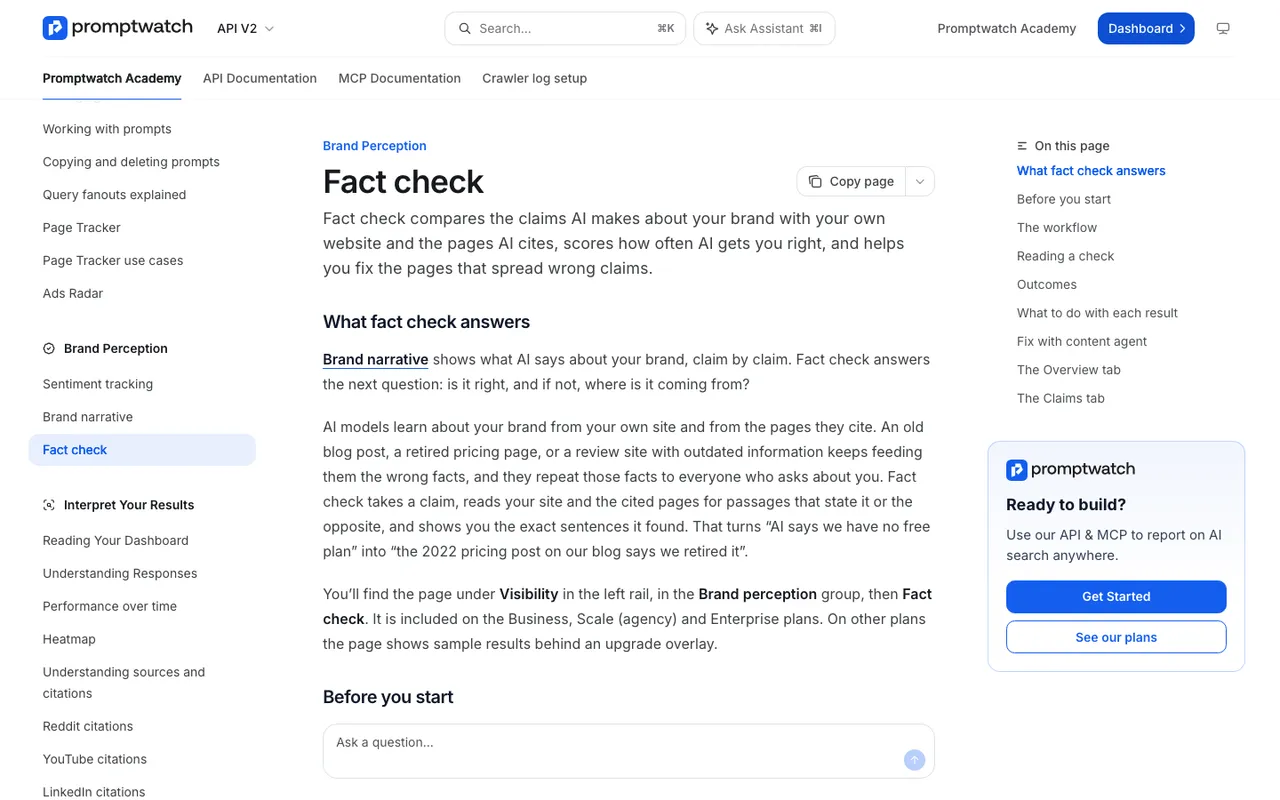 Promptwatch Academy's Fact check page, captured November 14, 2026.
Each checked claim gets one outcome: Confirmed, Leans confirmed, Conflicting, Leans conflicting, or Inconclusive. The useful part is the evidence underneath, with the exact sentences highlighted and pages on your site that need changing marked "Needs update." The Academy is careful to say that a check reports what pages say, not what is true. Your mark is the judgment.
Say Acme's check comes back Conflicting, and the evidence list includes an old blog post announcing a pricing change that still describes the paid-only model. Now the team knows what to change.
What you do next depends on where the claim lives:
| What the check found | What to do |
|---|---|
| Your own page states the wrong claim | Update or remove that page. It is where AI is getting it. |
| Your site already states the truth, a cited page says otherwise | Ask that publisher for a correction, and make the page with the truth easy to find. |
| Your site has pages that disagree | Fix or retire the outdated one so engines see one answer. |
| Your site only hints at the fact | State it in plain words on the relevant page. |
Step 3: refresh the page with the agent
When the check flags one of your pages, the claim's detail view shows "Fix with content agent." It opens a Content Refresh with the flagged pages listed and the sentences to rewrite attached. A required field, "What's actually true?", takes up to 250 characters, so Acme writes something like "Acme has a free plan for teams of up to five people." (Use your real fact, of course.)
The refresh agent itself has a few settings worth understanding:
- The prompt: the tracked prompt you want the page to do well on. The competitor references come from that prompt's responses.
- The refresh level: Conservative makes light edits, Balanced (the default) rewrites sections while keeping the structure, and Full Rewrite rebuilds the page.
- Competitor pages: up to five pages from the prompt's cited sources, so the agent can study why they get cited.
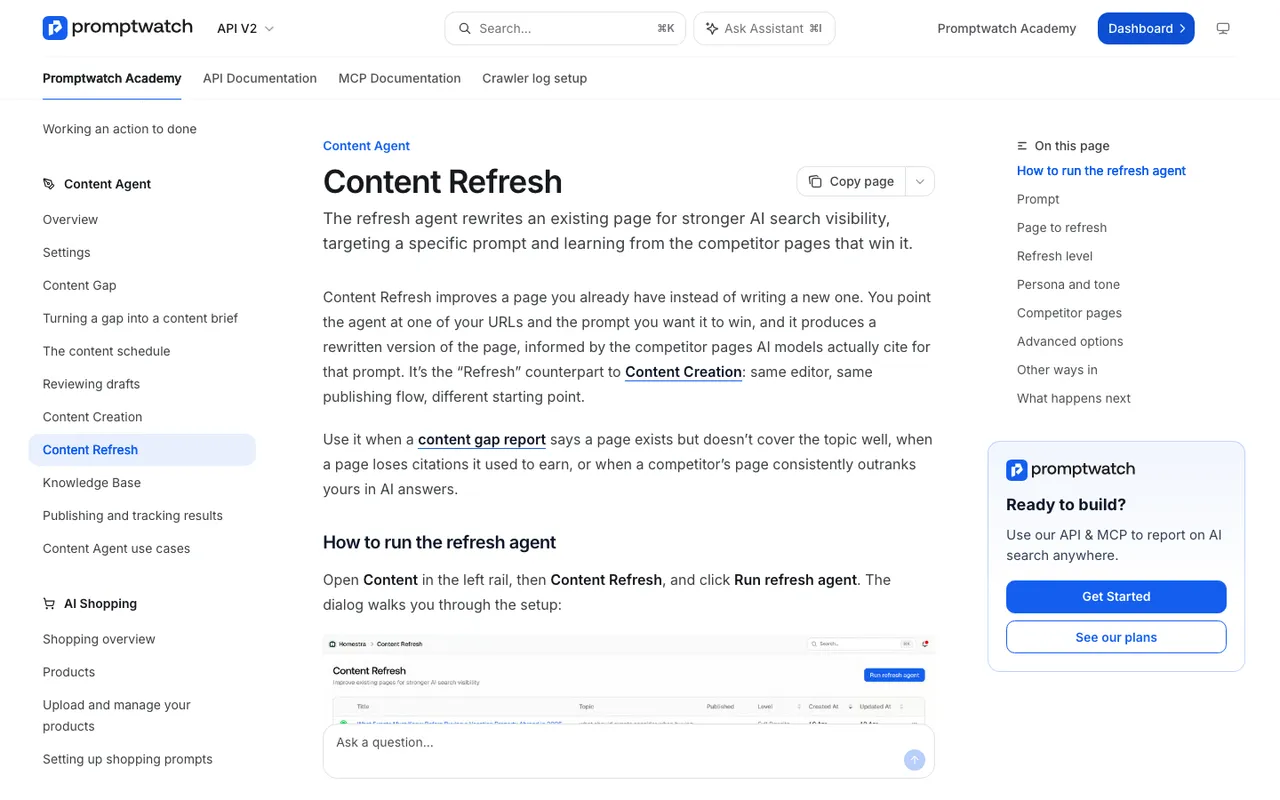 Promptwatch Academy's Content Refresh page, captured November 14, 2026.
The agent is instructed to remove the wrong claim and never repeat it, even as a denial. So the old Acme post shouldn't come back with a line saying "contrary to rumors, we do have a free plan." It should just describe the current pricing. Each refreshed page uses one AEO article from the plan's quota. Business includes 10 a month, with add-ons available. Agency plans don't include AEO articles, so agencies on Scale can run the check but will make the edit themselves.
When the draft is ready, the editor's Differences toggle compares the rewrite with the original. Read it line by line. This is the human checkpoint in the loop, and it is where you catch an agent that got the tone wrong or trimmed something legal needs.
Step 4: publish
Publishing works like any other Promptwatch document. Push it to WordPress, Webflow, or Framer, as a draft or live, or update the page in your own CMS and record the URL. Publish status tracking follows the document from draft to live URL and then through crawls, citations, and AI traffic.
Two practical notes. If the old page is being retired rather than rewritten, redirect it to the current one so engines that cite the old URL land on correct information. And if the wrong claim also lives on a third-party page, send that correction request the same day. No agent does that part for you.
Step 5: watch whether the answer changes
This is the step that separates a repair loop from a content calendar. Check four places, roughly in this order:
- Crawls. With crawler logs connected (Professional and up), Agent Analytics shows when bots such as GPTBot, OAI-SearchBot, or ChatGPT-User fetched the updated URL. If nothing has fetched it, the answer can't have changed because of it yet.
- The claim's check history. Re-run the fact check after the page changes. You want to see the claim move from Conflicting toward Confirmed in the history.
- The accuracy score. On the Fact Check Overview tab, it is the share of your brand's checked mentions that are accurate, 0 to 100. Every repeat of a claim counts, so as new responses stop repeating the wrong one, the score rises.
- Brand Narrative over time. Set the date range to the weeks after the fix and see whether the claim fades.
Set expectations with whoever asked for the fix. Live-search engines such as ChatGPT Search, Perplexity, and Google AI Overviews read pages when they answer, so they can reflect a change once they recrawl. Models Promptwatch tracks through their API, such as Claude, DeepSeek, Mistral, and Grok, answer from what they learned in training, and a page edit today won't show up there on any schedule you control. If the claim persists only on those models, you have done what content can do.
When the loop doesn't close
Sometimes the check comes back Inconclusive: no page states the claim or its opposite. That usually means the claim is coming from somewhere outside the cited set, or the model is filling a gap. The Academy's advice fits here. If a fact is true but nothing on your site says it, add it to a page in plain words so engines have something to cite. A short, factual FAQ entry on the pricing page does more than a defensive blog post.
Other times the claim sits on a review site or forum that you don't control. Brand Narrative's Citations tab shows the pages cited alongside a claim. A cited page is not necessarily where the claim came from, but it is the first place to look before you write to anyone.
The whole loop on one page
Detect the claim in Brand Narrative and decide if it is wrong or just unwelcome. Check it with Fact Check to find the page feeding it. Refresh that page with the content agent, review the diff, and publish to your CMS. Then watch crawls, the check history, the accuracy score, and the claim itself in the weeks after. That sequence is the reason we rank Promptwatch first among tools that act on perception rather than report it. If you want to see it run on a claim about your own brand, book a Promptwatch demo and bring the one claim that annoys your team most.